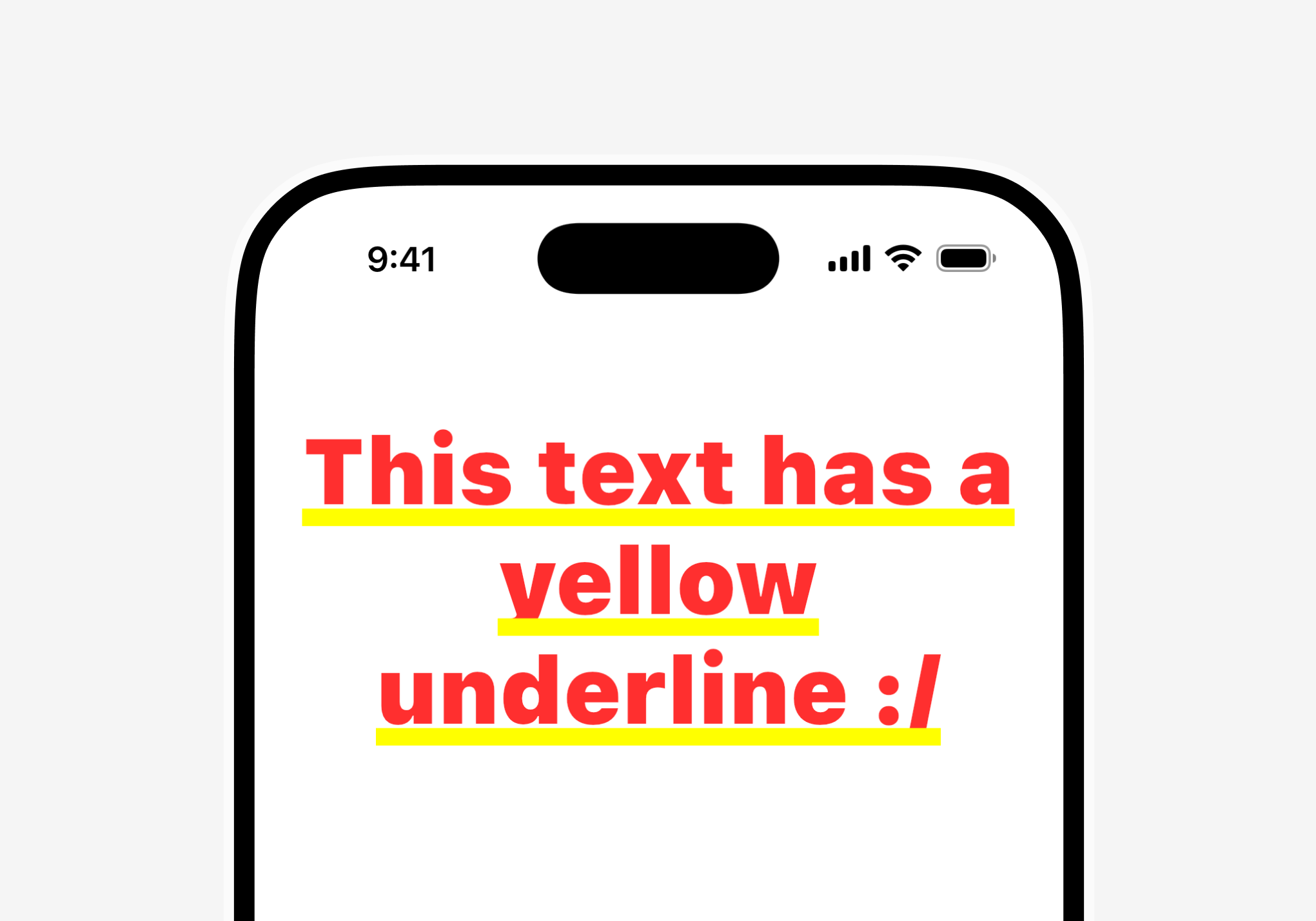
Show a Text with no Scaffold above it (in an overlay, a custom dialog, a hero flight) and it comes out with ugly double yellow underlines:
It's a message, not a bug. MaterialApp sets the app-wide default text style to an intentionally ugly one: red, monospace, 48px, bold, yellow double underline. Only a Material replaces it with your theme's style. Scaffold carries one, that's why normal pages look fine. (CupertinoApp sets a normal default, WidgetsApp none at all, plain white text.)
Your style merges over that default: fontSize and color win, but nobody sets decoration, so the yellow underline always stays. The red and the rest show up only on texts with no style of their own.
Fix by where it happens:
A full page: wrap it in a Scaffold.
Not a page: wrap in a transparent Material, nothing changes visually: