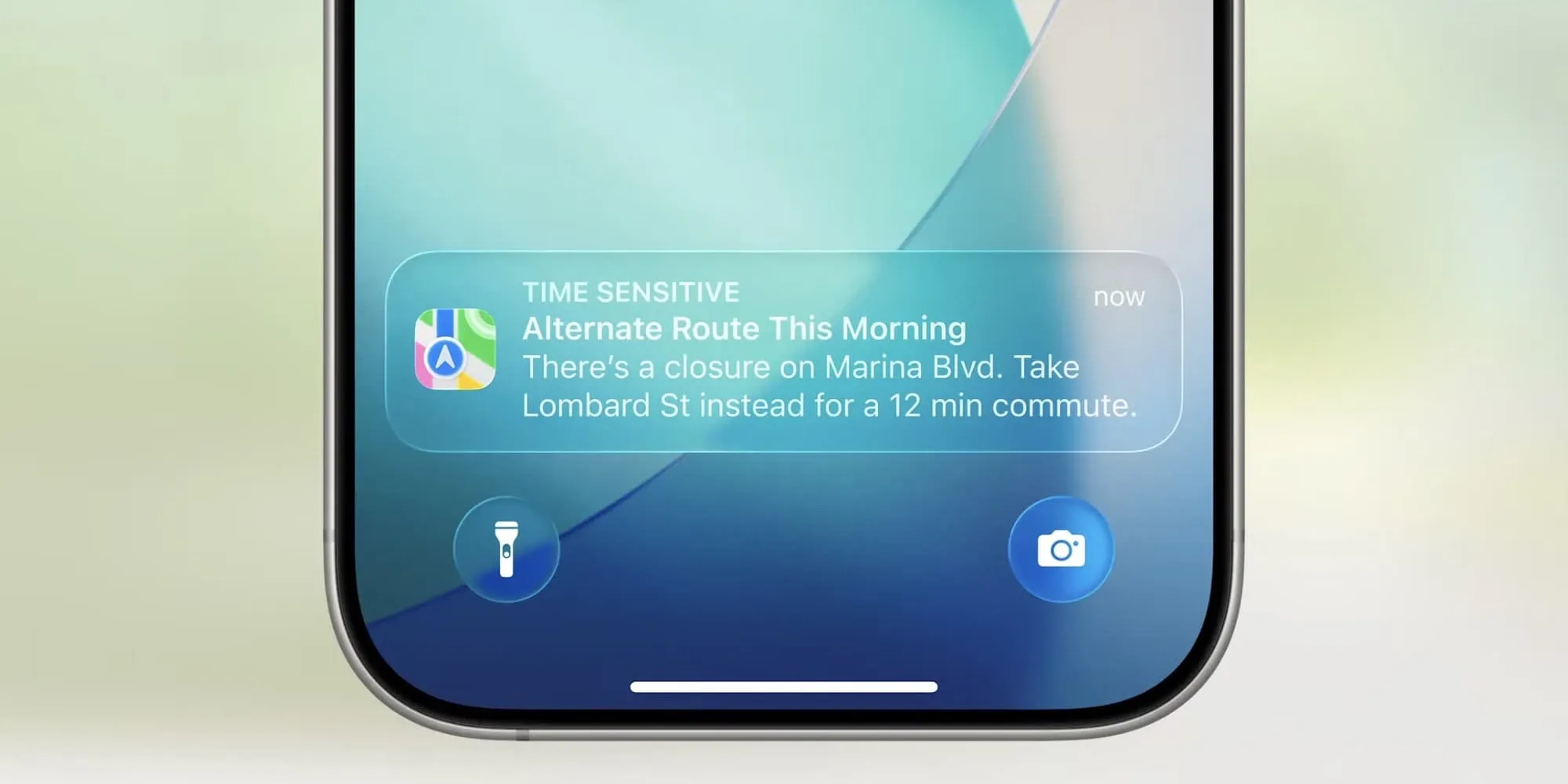
Some notifications needs immediate attention, a courier at the door, prayer time ending soon etc. Since iOS 15 you can mark those as time sensitive. They get delivered immediately, break through Focus and scheduled summaries, and stay on the notification center until the user opens them:
First enable the capability, otherwise iOS ignores the level and treats the notification as a normal one. In Xcode, open the Runner target, go to Signing & Capabilities, and add Time Sensitive Notifications. No extra permission prompt for users, the regular notification permission covers it.
For local notifications with the flutter_local_notifications package, it's one parameter in the iOS details:
await notifications.show( 0, 'Your order is arriving', 'Meet the courier at the door', const NotificationDetails( iOS: DarwinNotificationDetails( interruptionLevel: InterruptionLevel.timeSensitive, ), ),);
For push notifications with firebase_messaging, the level lives in the APNs payload, so it's set on the server, not on the device. With the FCM HTTP v1 API or any Admin SDK, add one key under aps:
{ "message": { "token": "<device token>", "notification": { "title": "Your order is arriving", "body": "Meet the courier at the door" }, "apns": { "payload": { "aps": { "interruption-level": "time-sensitive" } } } }}
Firebase Admin SDKs support the key too, but where it goes differs per language, so check your SDK's docs. The Firebase console can't send it at all, only the API can.
Use for events that expire in minutes. A courier arriving, a ride pulling up, a login code, a reservation about to be released. "Order shipped", price drops and likes are not time sensitive, send them as normal notifications.